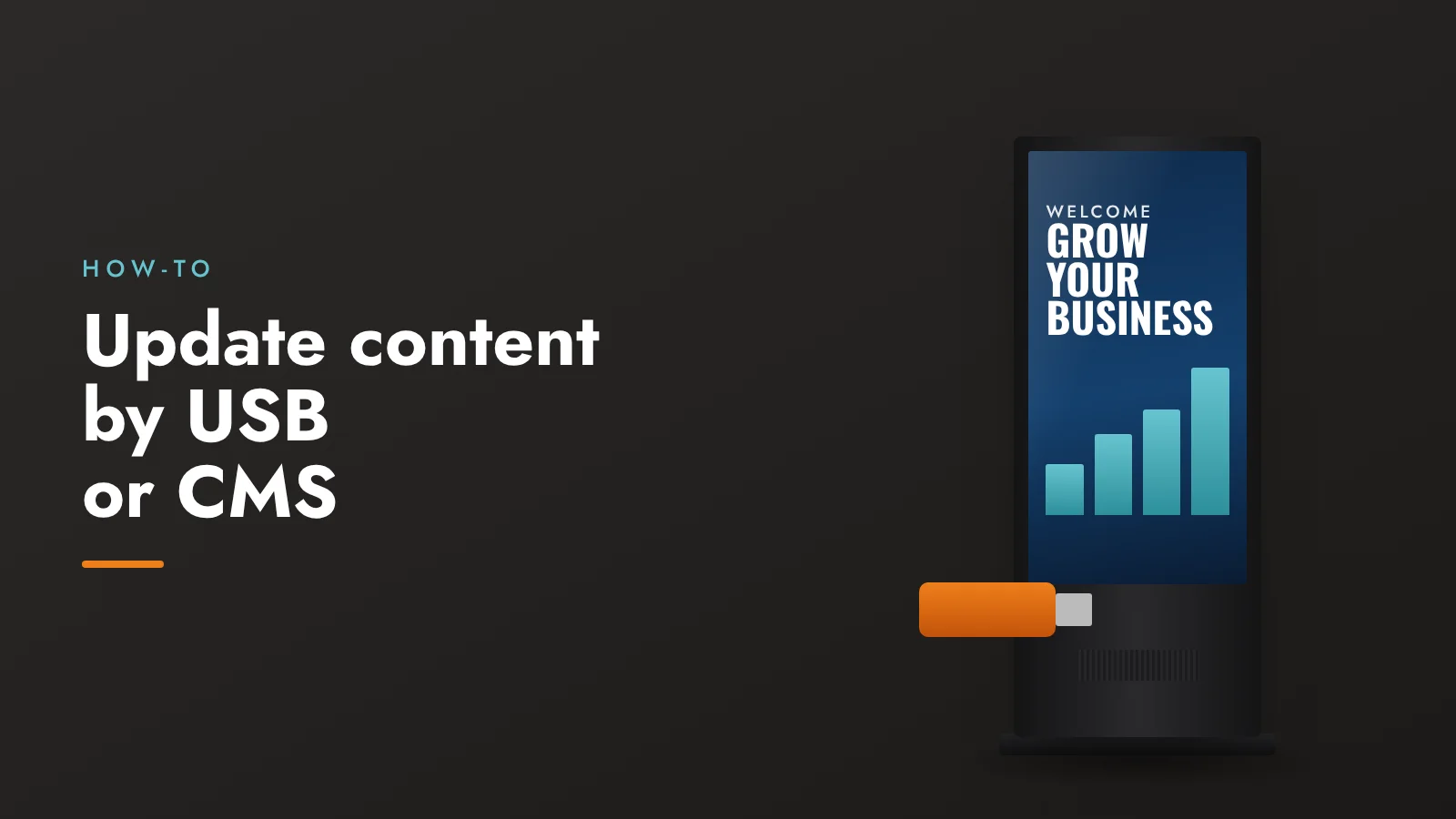
One of the biggest advantages of a digital standee over a printed one is that you can change the content whenever you like. Every Icommit standee has a built-in Android player with Wi-Fi, USB and LAN, so there are two ways to do it.
Method 1: USB pen drive
The simplest option, with no internet or software needed.
- Prepare your images (JPG or PNG) and videos (MP4 works best) in portrait size, for example 1080 × 1920 pixels.
- Copy them to a USB pen drive.
- Plug the pen drive into the standee’s USB port.
- Choose the files to play and set how long each image stays on screen. The standee then plays them on a loop.
Best for: a single standee, or content that changes once in a while.
Method 2: CMS over Wi-Fi or LAN
CMS (content management system) software lets you update one screen or many from a computer, without visiting the standee.
- Connect the standee to Wi-Fi or a LAN cable.
- Add the standee to the CMS software.
- Upload your images and videos, arrange them into a playlist and set a schedule, such as a breakfast menu in the morning and lunch specials from noon.
- Publish. The standee downloads the new playlist and starts playing it.
Best for: several standees, several branches, or content that changes often.
Which should you choose?
| USB | CMS | |
|---|---|---|
| Internet needed | No | Yes (Wi-Fi or LAN) |
| Update from anywhere | No | Yes |
| Scheduling | Basic | Yes, by time and day |
| Many screens at once | One at a time | All together |
| Setup | None | One-time |
Tips for smooth playback
- Keep video files in MP4 (H.264) format and at the screen’s resolution or lower.
- Name files in the order you want them to play, for example 01-offer.jpg, 02-menu.jpg.
- Keep a copy of your current playlist on your computer so you can restore it quickly.
Our team helps you set up content during installation. Have a question? Talk to us.